Create API Key
Generating an API Key
Follow the steps below to create and manage your API Key efficiently.
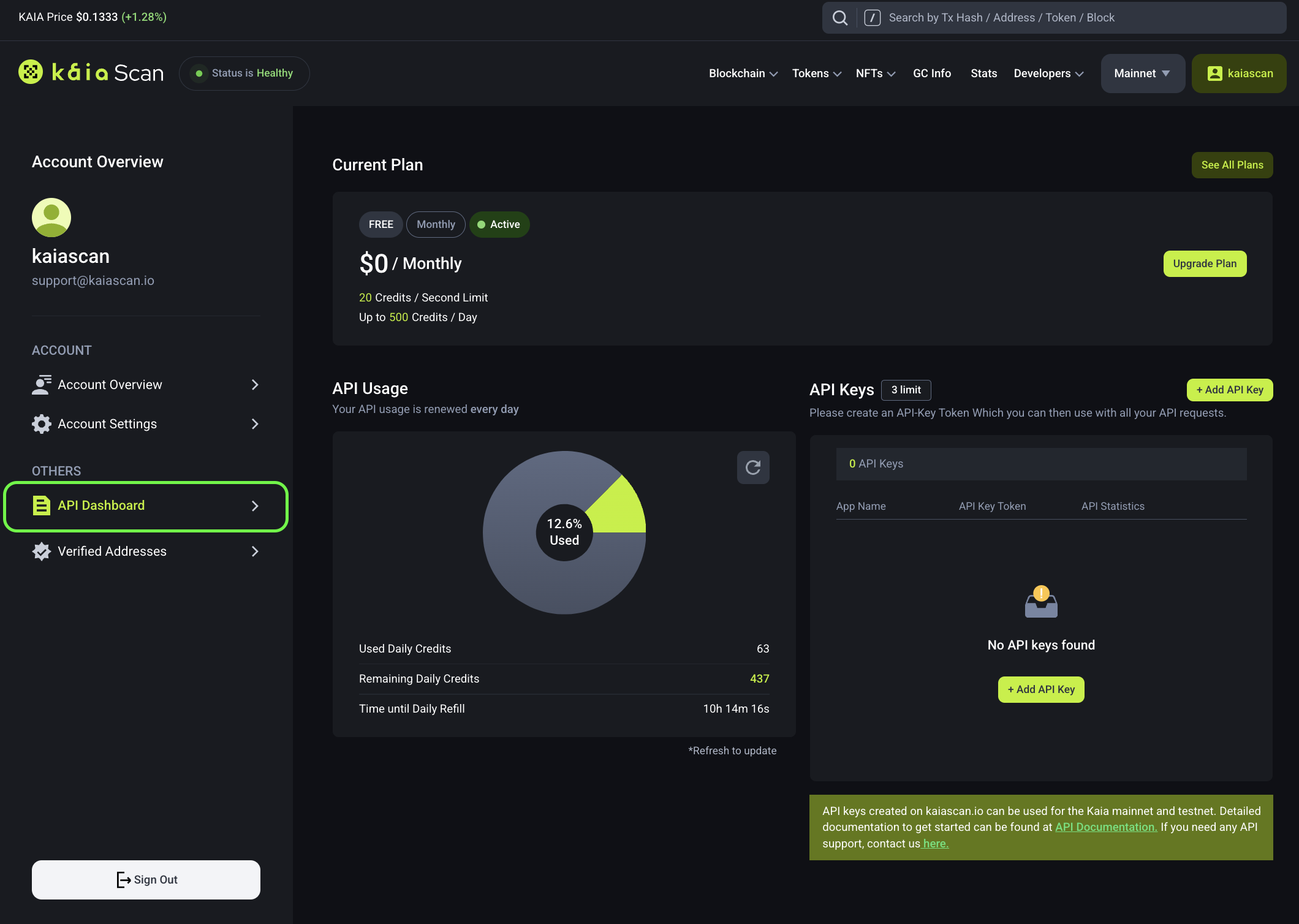
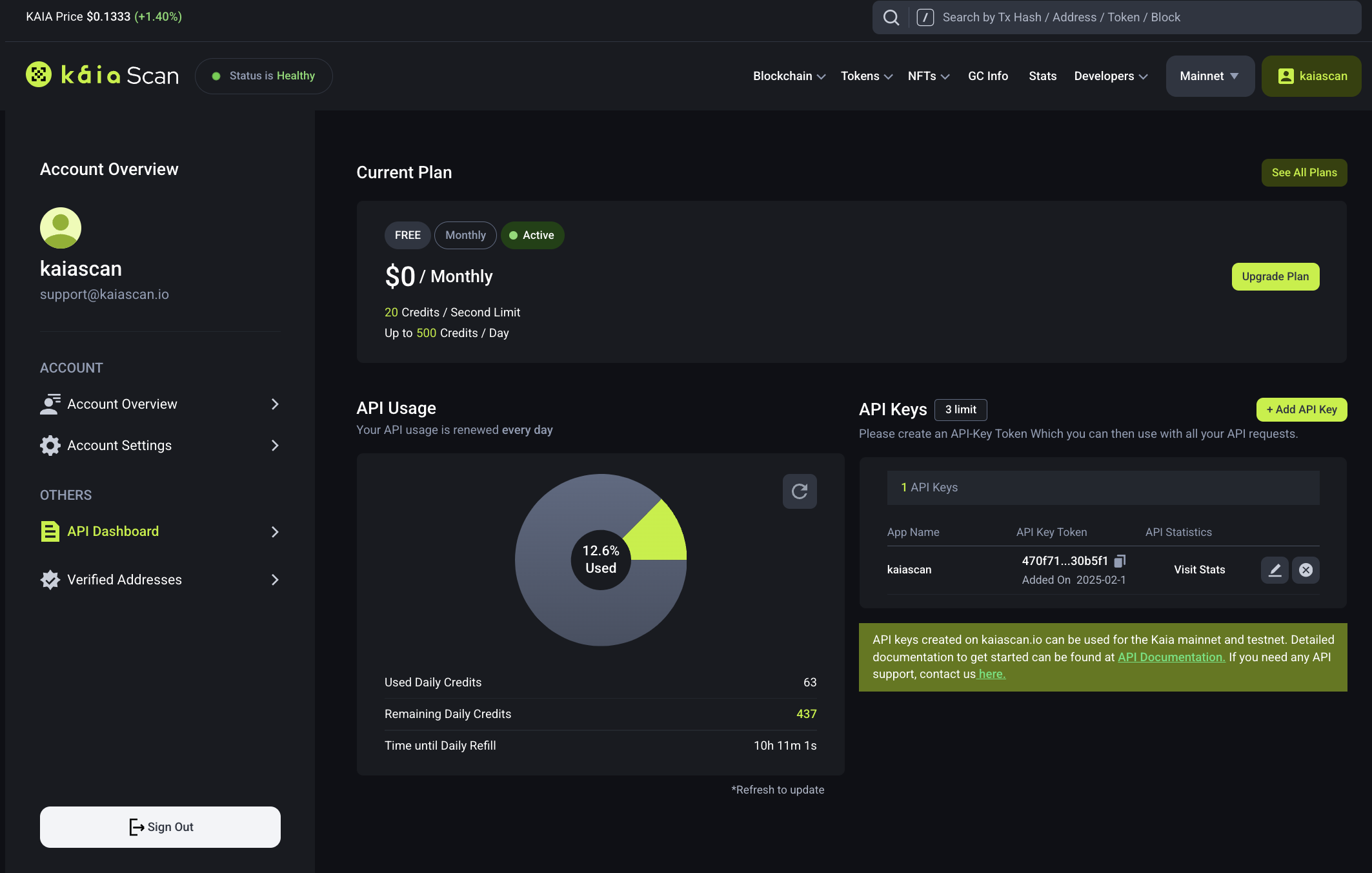
1. Access the API Dashboard
Navigate to the Account Overview page and select the API Dashboard tab.
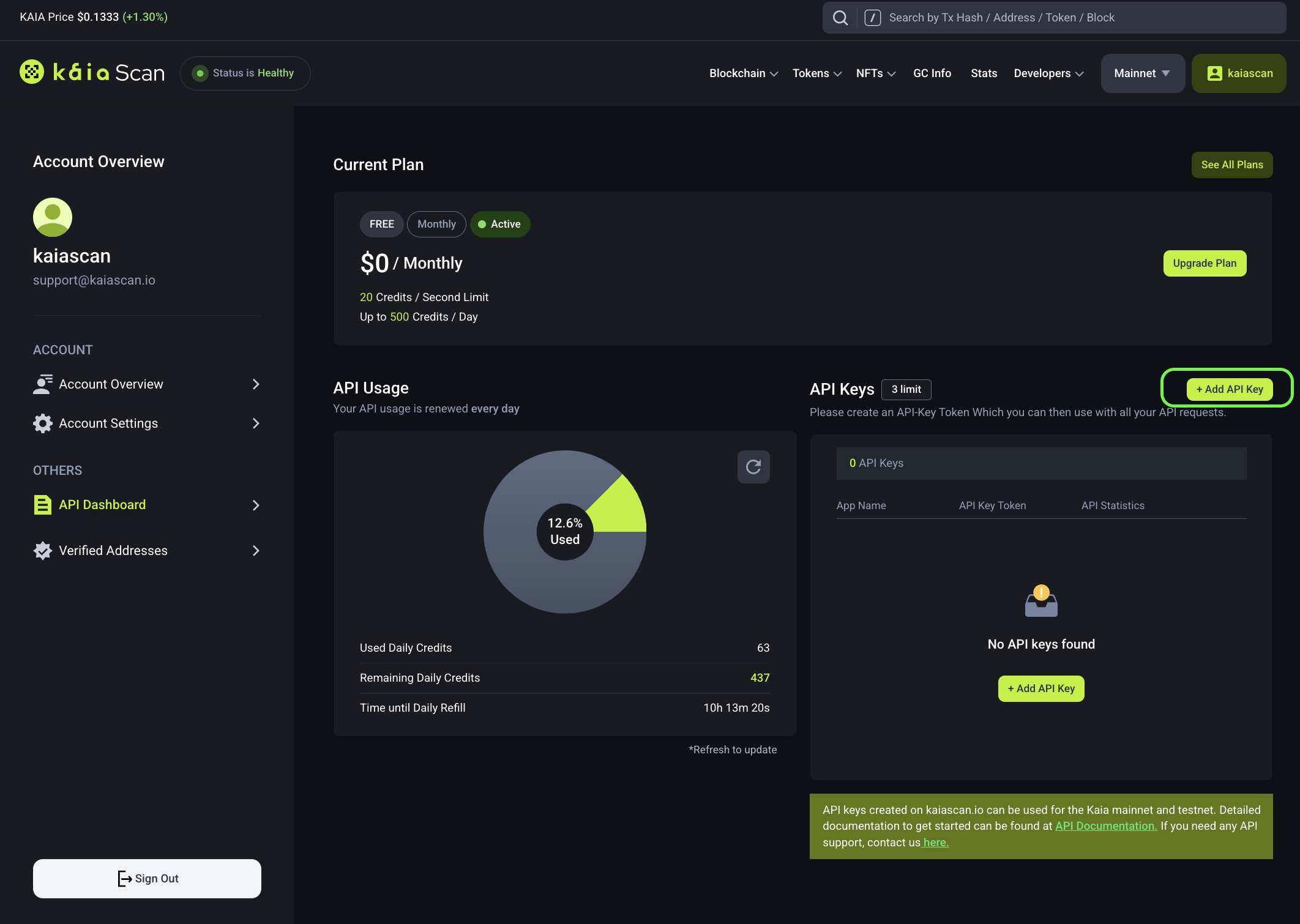
2. Initiate API Key Creation
Within the API Dashboard, click on Add API Key to begin the creation process.
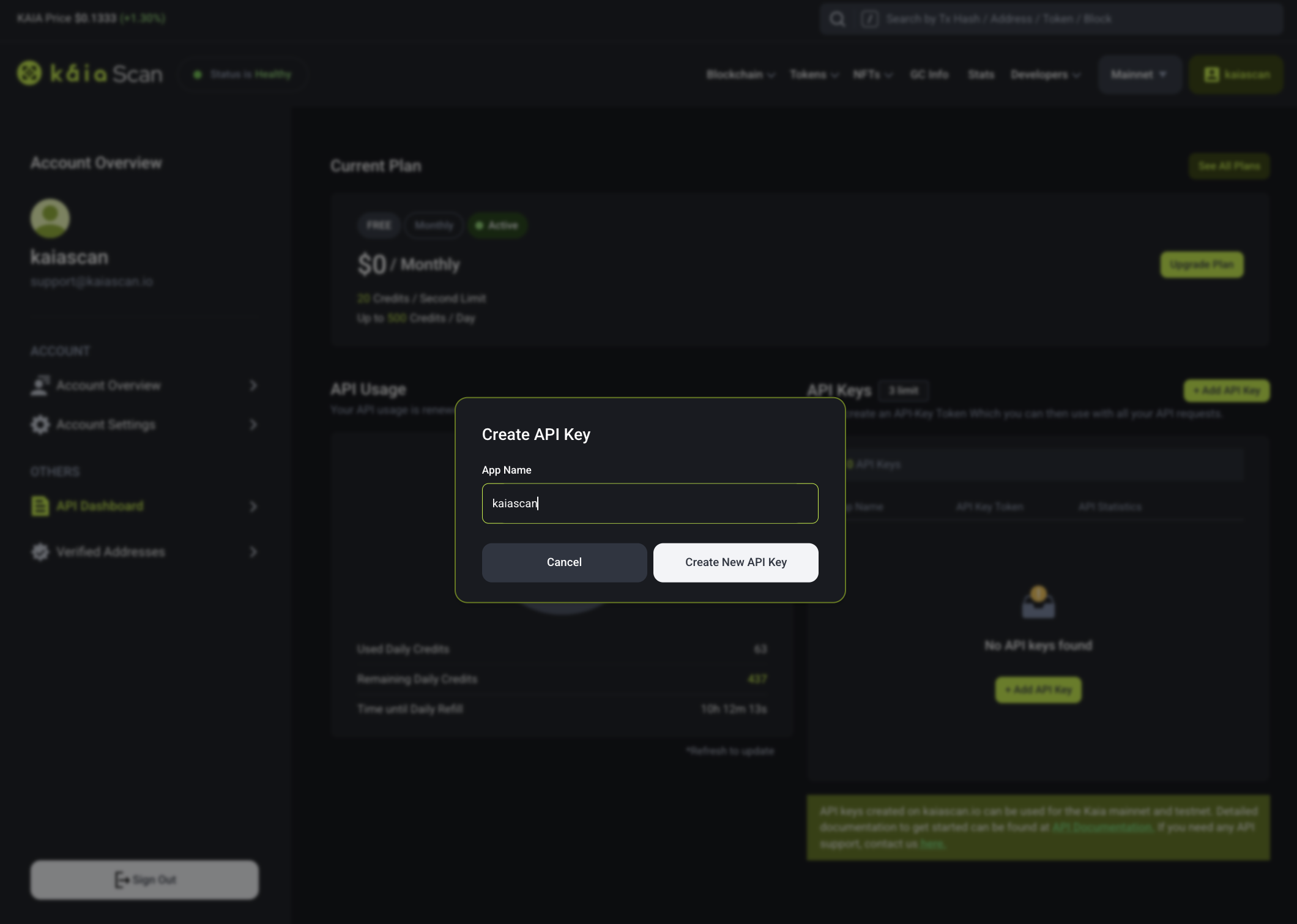
3. Define Key Details
Enter a name for your API Key and click Create API Key. Each Kaiascan account can generate up to three keys concurrently, all of which are also compatible with the Kairos network.
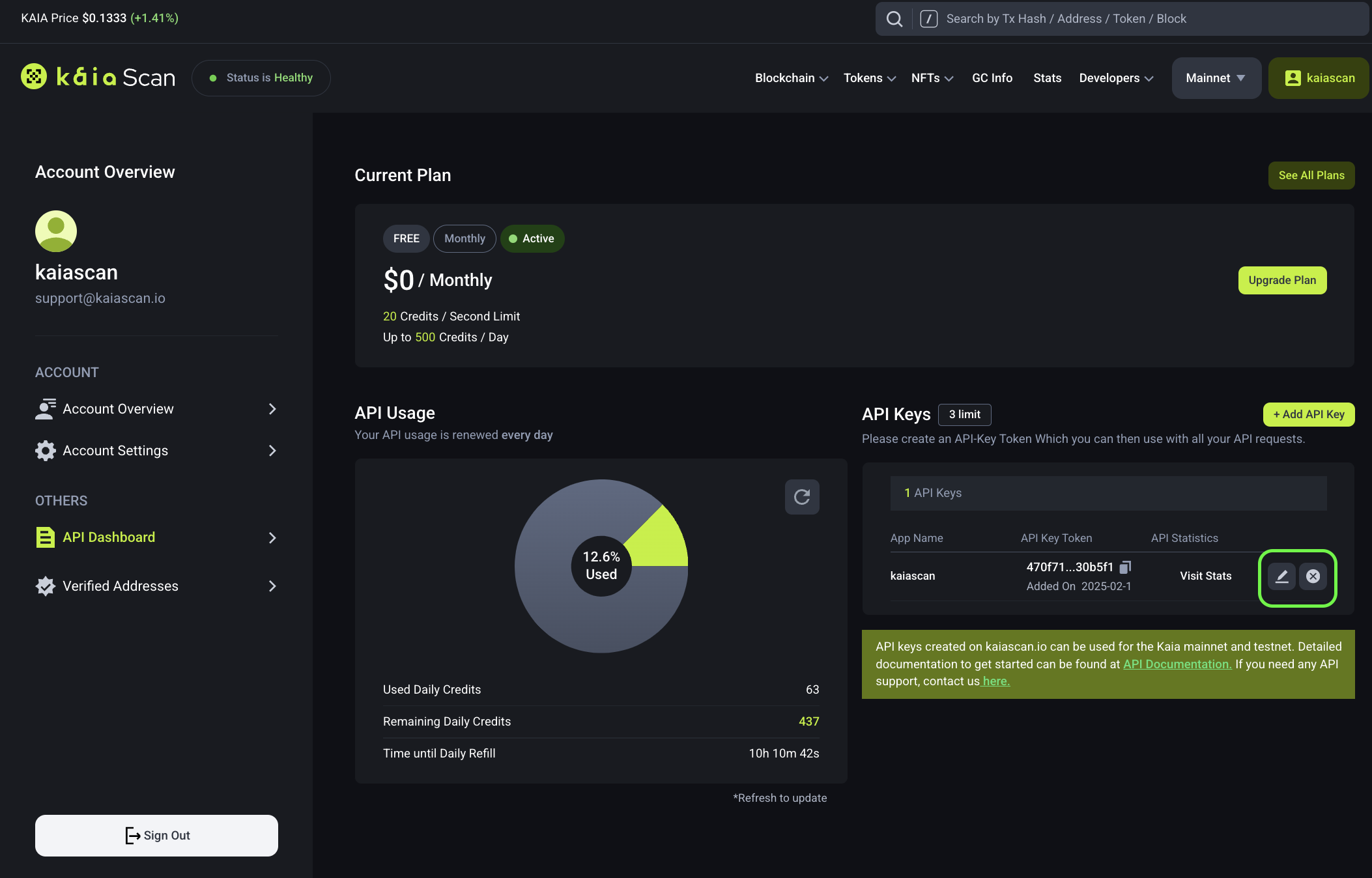
4. Review the Generated API Key
Upon successful creation, the newly generated API Key will be displayed on the dashboard.
Managing an API Key
Modifying an API Key
To update the app name associated with an API Key, click Modify API Key Button, input the new name, and save the changes.
Deleting an API Key
If an API Key is no longer required or has been compromised, click Remove API Key Button to delete it and generate a new one if needed.